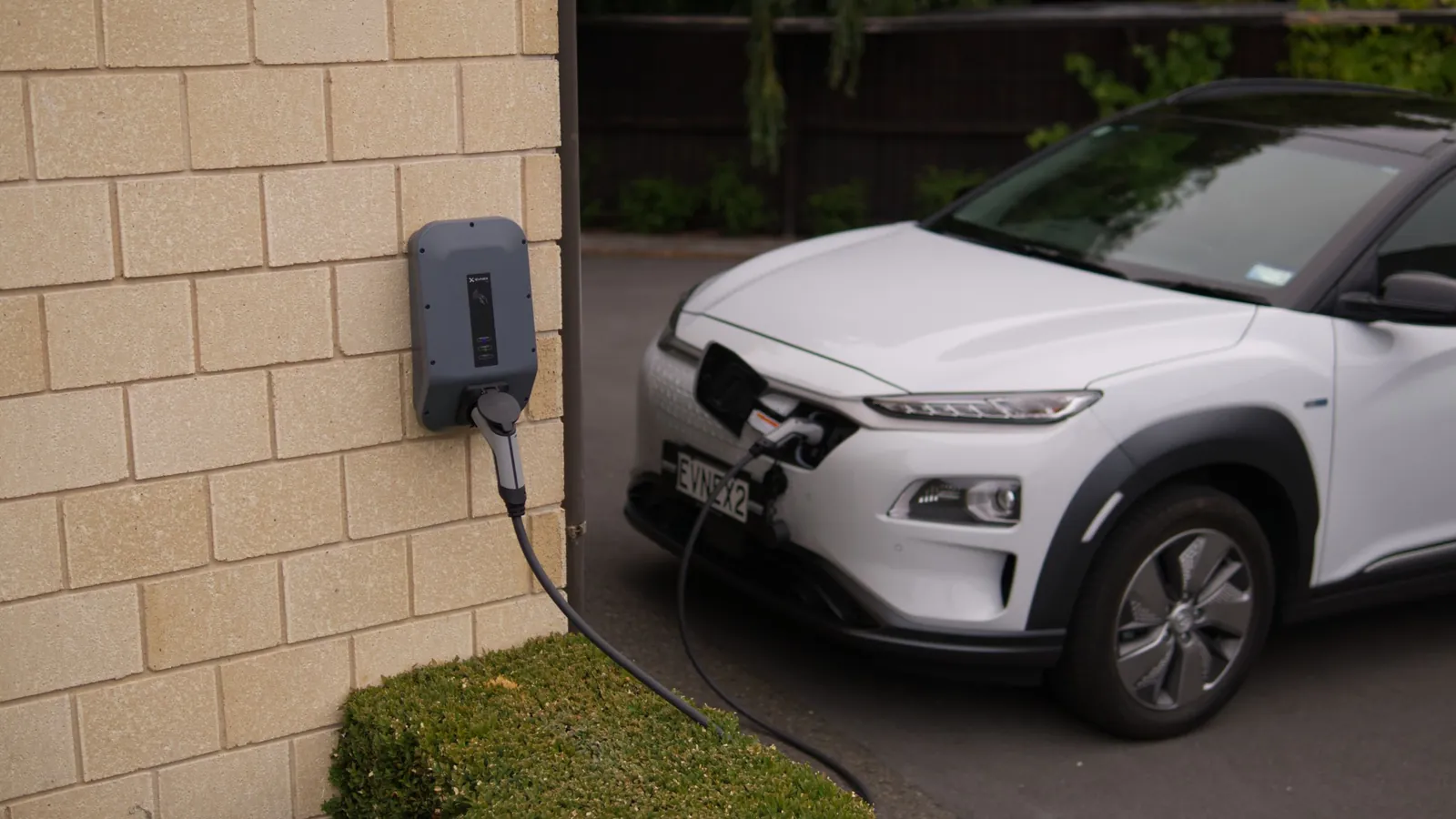
You drive past a free charger with your battery at 30 %, and you would have to book a slot, wait for the host to confirm, and come back at the agreed time. That is a lot for forty minutes of charging. Open access removes that step: you arrive, scan the charger's QR code, charge and pay for the kWh you used. The host has nothing to approve.
Booking or open access: what changes
On PotatoCharge, a charger runs in one of two modes, chosen by its owner.
With booking, the driver picks a slot in advance. It is the right mode when the host wants to know who is coming and when, or when the charger cannot be controlled remotely: the host then approves each request and gives access themselves.
With open access, there are no slots. The charger is open during the hours the host chose, and the first driver to turn up can charge. In the app's search, these chargers carry an "Open access" badge.
For the driver: four steps
- scan the QR code on the poster, or open the charger in the app when you are right next to it;
- your card is pre-authorised, like at a petrol pump;
- plug in your cable and start charging from your phone;
- unplug to stop, and pay for the kWh actually used.
The charger stops on its own at the maximum duration set by the host, or at closing time. You are warned fifteen minutes before. If the car takes no energy, you pay nothing: the pre-authorisation is released.
For the host: the charger works without you
Opening your charger without booking does not mean opening it without rules. You choose:
- your opening hours, as recurring slots across the week, with blocked dates when you need the charger yourself;
- your price per kWh;
- a maximum duration per charge, so the space frees up;
- notifications when each charge starts and ends, on by default, so you know what is going on without keeping watch.
If you close the charger while a car is charging, the ongoing charge ends normally: only new starts are blocked. After each charge, you and the driver rate each other, just as with a booking.
The "How to charge" poster

A passing driver knows neither the charger nor its owner. Everything they need fits on one sheet that you print and put up next to the charger, downloaded from your host area: the QR code, the charger's name, your hours, the "from" price, your instructions ("parking space to the right of the entrance", for example) and the four steps.
It is written in French, Dutch and English on the same page. A driver who does not have the app yet is sent to the store by the QR code, then comes back to the charger. Changed your hours or your price? Print the new version.
Who is it for?
Any charger that sits idle for much of the day. A private owner's charger, say, when they drive to work in the morning and only charge at night. Or the one in the car park of a shop, a practice or a gym, where a customer plugged in for an hour is a customer who stays.
Holiday cottages and B&Bs benefit too: guests charge without asking, and between stays the charger serves passing drivers. To choose between free charging, a flat fee or billing per kWh, see our comparison for holiday cottages. Accommodation, shops and businesses have a dedicated offer for business hosts.
Which charger do you need?
Open access requires a remotely controlled charger, meaning one that supports OCPP, the standard protocol of connected chargers. Most recent models do (Wallbox, Easee, Zaptec, Alfen, ABB, among others).
Is yours a Powerdale Nexxtender? A small box makes it connected: see how the OCPP box works. If your charger cannot be controlled remotely, PotatoCharge still works with bookings, in manual mode.
Open your charger, or find one
Have a compatible charger? Create your host account, add the charger, choose open access, set your hours and price, then print the poster. Looking for somewhere to charge instead? Open the map in the app and look for the "Open access" badge.
Open my charger Find a charger
Frequently asked questions
Do I need to book to charge at an open-access charger?
No. During opening hours, you scan the QR code on the poster or open the charger in the app when you are next to it, and start charging straight away.
Can I still book an open-access charger?
No. A charger runs either with booking or with open access, as the host chooses. If you need to be sure the space is free at a given time, pick a charger with booking.
What does a driver pay if their car does not charge?
Nothing. Payment follows the kWh actually used: a charge that delivers no energy costs nothing, and the card pre-authorisation is released.
Does the host need to be there?
No. The driver starts and stops the charge on their own from the app. The host is simply notified when each charge starts and ends.
What happens if the host closes the charger during a charge?
The ongoing charge ends normally. Closing only prevents new starts.
Can I switch my charger from booking to open access?
Yes, from your host area, as soon as the charger has no upcoming or ongoing bookings left. No booking is cancelled on your behalf.
Is my charger compatible with open access?
It needs to be remotely controllable and OCPP compatible, which most recent models are. A Powerdale Nexxtender can become so with a small box. Otherwise, the charger can be opened with bookings, in manual mode.